
Quick answer
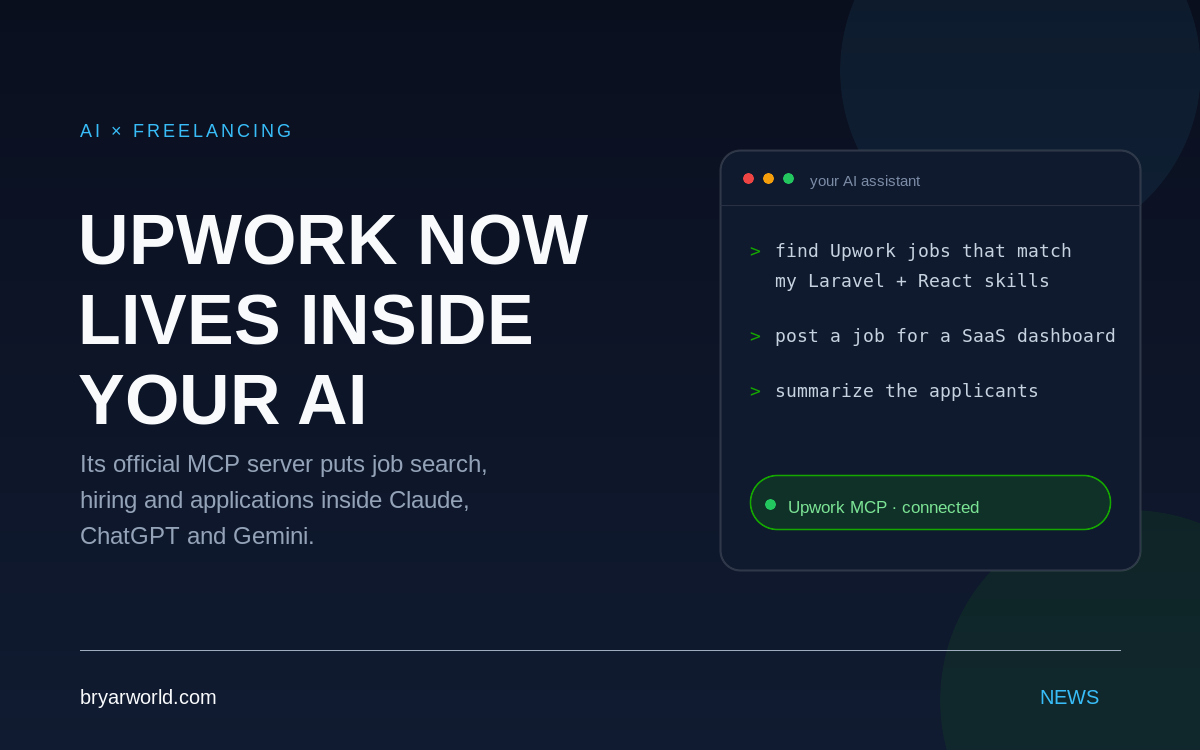
Upwork now runs an official MCP server. It lets Claude, ChatGPT and Gemini search talent, post jobs and find work through your Upwork account without opening the site.
Upwork has shipped an official MCP server, and the workflow change is bigger than the convenience. Instead of opening Upwork, searching, filtering and messaging, you describe the outcome once and let the model call the marketplace as a tool.
What you need: an Upwork account and an AI client that supports MCP — Claude, ChatGPT or Gemini.
What the MCP server actually does
MCP is the Model Context Protocol, a standard way for an AI client to call external tools. Upwork’s server exposes marketplace actions as tools: search for talent, post a job, find work, and review applicants. The model chooses which tool to call from your instruction, then returns the result in the same conversation.
How to connect it
- Go to upwork.com/ai/mcp.
- Add the Upwork MCP server to your AI client.
- Sign in with your Upwork account and authorize the connection.
- Start with a narrow prompt: “Find Upwork jobs that match Laravel and React” or “Post a job for a SaaS dashboard and summarize the applicants.”
What changes for freelancers
The platform stops being a place you visit and becomes a capability your assistant can call. The edge moves from navigating filters to writing a precise brief: scope, stack, constraints and the outcome you want. A vague instruction still produces a vague result, only faster.
What changes for clients
The same shift happens on the hiring side. Browsing profiles becomes defining the outcome. Instead of opening ten tabs to compare freelancers, you describe the job and let the model search, shortlist and summarize. The judgment still belongs to you — the model just removes the tab-switching.
What to watch
Three things matter before you hand over the keys: the authorization scope, the platform rules, and the quality of your prompt. MCP gives the model tools, not judgment. Review generated job posts for scope and budget before publishing, and start with read-only prompts before letting it post or apply on your behalf.
Common pitfalls
- Treating the model as a search engine. Give it an outcome, not a keyword.
- Publishing a generated job post without checking scope, budget and deliverables.
- Assuming the model sees your Upwork messages or history. It only sees the tools you authorize.
Pro tip
Start with a read-only prompt — “find jobs that match my skills and explain why” — before letting the model post or apply. You will learn how it reasons about fit before it acts.
Source: upwork.com/ai/mcp. Spotted via Zohaib Amjad’s LinkedIn post.

0 Comments