
Quick answer
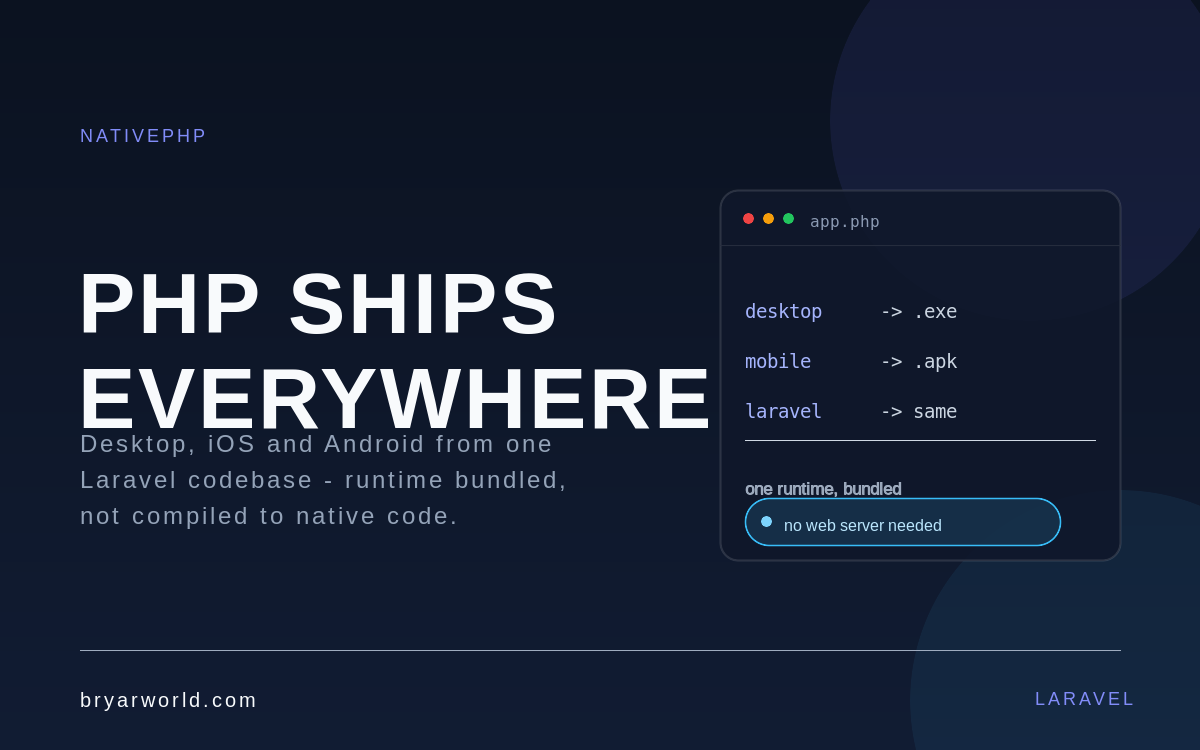
NativePHP lets you ship a Laravel application as a desktop program for Windows, macOS and Linux, or as a mobile app for iOS and Android. PHP is not compiled to native code: a PHP runtime is bundled inside the app and bridged to the operating system. It is real, it is shipping, and it changes what a small Laravel team can deliver.
For twenty years the boundary was simple. PHP renders pages, the browser runs them, and anything outside that boundary meant a second language and a second team. NativePHP moves the runtime onto the device, which means the models and business logic you already wrote can run in a window or on a phone.
What NativePHP actually is
It is a set of packages and tooling that wrap a Laravel application in a native shell. You keep writing PHP and Blade or Inertia; the framework handles packaging, the runtime, and the bridge to device features such as the file system, notifications, camera or biometrics. The result installs like any other application, not like a website shortcut.
Desktop: one executable, Electron underneath
NativePHP Desktop reached a stable 1.0 in 2025. Under the hood it uses Electron, so the app is a Chromium window hosting your Laravel app plus a bundled PHP process. In practice that means a single installer per platform, Laravel running at native speed, and almost any Composer package available.
composer require nativephp/electron
php artisan native:install
php artisan native:serve
The trade-off is the same one every Electron app carries: memory footprint and startup time are closer to a browser than to a compiled binary. For internal tools, dashboards and desktop companions to a web product, that is usually an easy trade.
Mobile: PHP without a web server
NativePHP for Mobile embeds a pre-compiled PHP runtime alongside Laravel and bridges into each platform’s native APIs. There is no web server involved, apps can work offline, and the packaging is small enough that a typical app lands under 50MB. Camera, biometrics, push notifications and file access are exposed through the bridge.
The economics changed with version 3: the core framework and the essential plugins became free and open source in early 2026, with a plugin marketplace on top where some individual plugins are paid. Development has kept moving since – the mobile packages are on the 4.x line now, with a UI layer for native navigation and transitions.
The caveat nobody should skip
Your React front-end does not become a native interface by packaging it. Mobile has its own UI approach and its own navigation model, so expect real adaptation work: gestures, safe areas, back behaviour, and the difference between a web form and a native one. App store review, signing keys and release pipelines also become your problem in a way they never were on the web.
What it changes for a Laravel team
Imagine a CRM you already run for a client. The sales team wants a phone app to manage leads between visits, and operations wants a desktop tool that works on a warehouse PC with poor connectivity. Instead of building three products, you reuse the domain models, validation, policies and API layer, and write two thin interfaces around them. That is the real gain: not that PHP became native, but that one team can now cover three surfaces without changing language.
When not to reach for it
Heavy 3D, games, or anything that leans on deep platform integration is still better served by Swift, Kotlin or a game engine. And if a well-built progressive web app already satisfies the workflow, shipping a packaged app adds store friction for little gain. NativePHP is for teams whose product logic already lives in Laravel and whose users need an installable app.
Common pitfalls
- Assuming the existing web UI can be shipped unchanged as a native interface.
- Underestimating app store review, signing and release automation.
- Treating bundled PHP as compiled native code when planning performance.
Pro tip
Start with one real workflow – a single screen and a single native capability – and ship it to a device before rewriting anything around the idea.
If you are weighing a desktop or mobile companion for an existing Laravel product, tell me what the workflow is and I will tell you whether it is worth packaging or better left on the web.

0 Comments