
Expo’s managed workflow is the right default for most React Native products. It gives you a fast start, over-the-air updates, and a build service without asking you to maintain two native projects. The mistake is treating “managed” as a permanent architectural decision instead of a starting point.
Ejecting is not a badge of seriousness. It is a trade: you gain native control and lose upgrade convenience. The teams that do it well decide from concrete requirements, not frustration.
What the managed workflow gives you
- Upgrade path: Expo SDK upgrades are usually a version bump plus a short list of API changes.
- OTA updates: JavaScript changes can ship without a store review.
- EAS Build and Submit: cloud builds, signing, and store delivery without maintaining local native toolchains.
- Config plugins: many native changes can be expressed declaratively instead of editing Xcode and Gradle projects.
- Smaller maintenance surface: fewer native files, fewer merge conflicts, fewer “works on my machine” build problems.
For a small team shipping a content, commerce, or workflow app, that is usually the correct trade.
What bare / prebuild actually changes
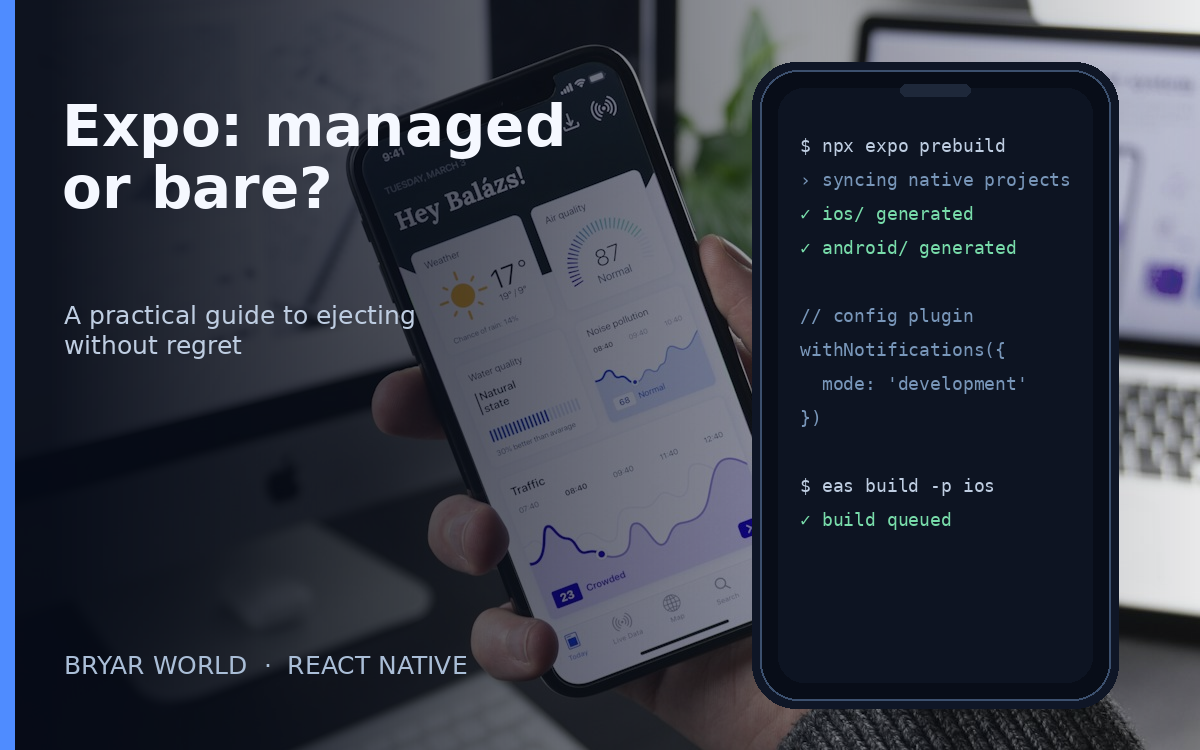
“Ejecting” now usually means moving to prebuild: Expo generates ios/ and android/ projects you own and can edit. You keep much of the Expo tooling, but native projects become part of your repository and your responsibility. From that point, every SDK upgrade can require merging native changes.
You gain direct access to native modules, custom build steps, platform APIs, and any third-party SDK that does not have a config plugin. You also take on signing, native dependency versions, and build reproducibility as first-class engineering work.
When ejecting is justified
1. A native module has no config plugin
If the SDK you need only ships native code and cannot be wired through a config plugin, prebuild is the honest path. Do not fake it with patches you cannot maintain.
2. You need a custom build step
Custom compilation, code generation, native binary stripping, or a build pipeline that EAS cannot express is a real reason to own the native projects.
3. You need deep platform control
Background execution, custom camera pipelines, Bluetooth, low-level networking, or platform-specific performance work may require native code that the managed runtime does not expose.
4. Compliance or a vendor SDK demands it
Some banking, healthcare, or enterprise SDKs require direct native integration. That is a requirement, not a preference.
When you should stay managed
- You rely on OTA updates for fast fixes. Losing that is a product decision, not just a technical one.
- Your integrations already have config plugins — use them before ejecting.
- Your team is small and cannot absorb native upgrade work every SDK cycle.
- You are still finding product-market fit. Optimize for iteration speed, not native purity.
A safe migration checklist
- Audit dependencies. List every native SDK and check for a config plugin before deciding.
- Try config plugins first. Many “we must eject” cases are solved by a plugin and a development build.
- Move to development builds. Test the real native runtime before changing the project shape.
- Run
npx expo prebuildon a branch. Commit the generated projects and review the diff; do not generate them ad hoc. - Pin your toolchain. Node, CocoaPods, Gradle, JDK, and EAS CLI versions belong in the repo.
- Set up EAS profiles for dev, staging, and production. Keep signing keys and channels separate.
- Test an SDK upgrade before you need it. The real cost of ejecting appears at the next upgrade, not on day one.
- Document rollback. A one-command rollback is part of the release process, not an afterthought.
Decision matrix
| Requirement | Managed | Bare / prebuild |
|---|---|---|
| Standard auth, payments, analytics, push | Yes | Usually unnecessary |
| OTA updates and fast iteration | Strong | Weaker / custom |
| Native SDK without a config plugin | Blocked | Required |
| Custom native build pipeline | Limited | Full control |
| Small team, frequent SDK upgrades | Better | Higher maintenance |
Bottom line
Stay managed until a named requirement forces you out. When that happens, eject deliberately: audit the native dependencies, prefer config plugins, test a development build, and budget for upgrade work. Ejecting is not a maturity milestone. It is a maintenance contract you sign with your future team.

0 Comments