
Quick answer
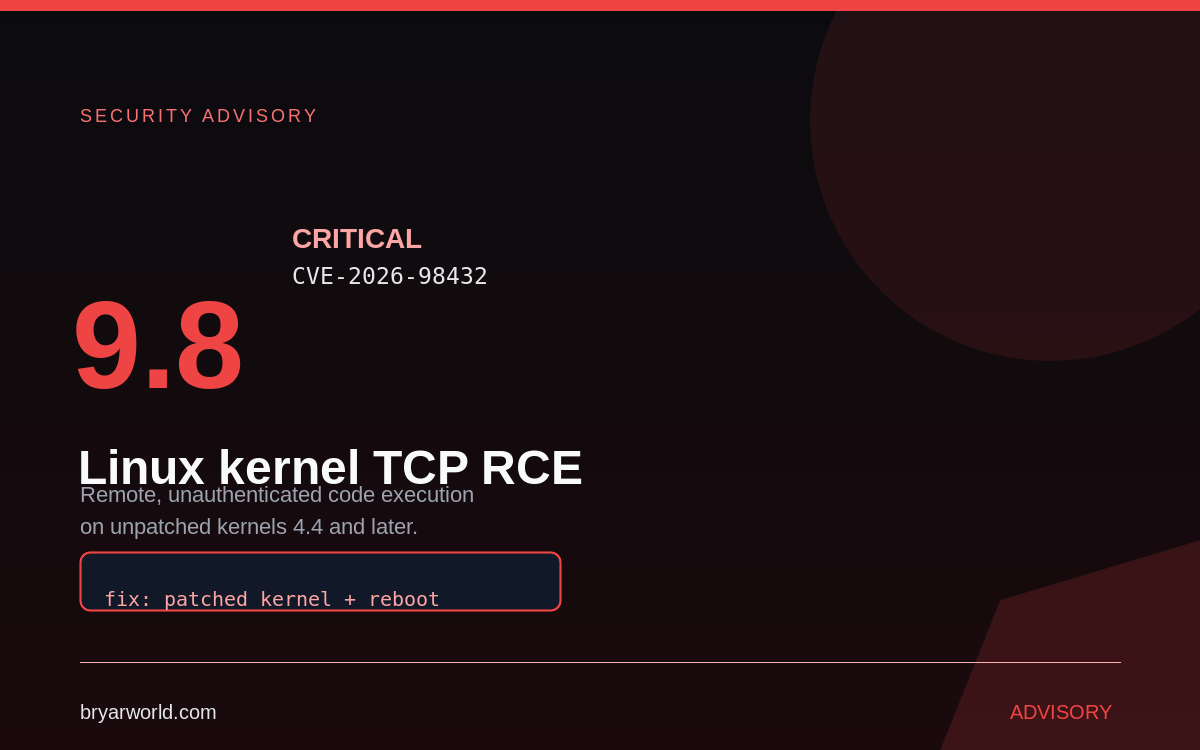
CVE-2026-98432 is a critical flaw in how the Linux kernel sets up IPv4 TCP connections, present in kernel 4.4 and later. The kernel CVE team rates it 9.8 out of 10, and AWS confirms that under specific conditions a remote, unauthenticated attacker can get code execution. Fix: install a patched kernel and reboot. As of 29 October, no vendor advisory had reported attacks in the wild.
Most kernel bugs are local privilege escalation. This one is different: it sits in the connection setup path, which means it is reachable before authentication exists. That is why a 9.8 matters more here than the number usually suggests.
What the flaw actually is
The bug lives in the kernel’s IPv4 TCP handling. An attacker who can reach the service can trigger it during connection setup, without credentials and without a user doing anything. Anthropic reports that an unreleased Claude research model produced a working exploit that yields root on a Linux server running a multipath TCP (MPTCP) listener. AWS independently confirmed remote code execution is possible under specific conditions.
Who is actually exposed
The practical condition in the published research is an MPTCP listener. MPTCP is not enabled by default on most distributions, and where it is absent the exploit path described does not apply. That is a reason to check rather than to relax: kernels are shared, containers inherit the host kernel, and “we probably do not have it on” is exactly the sentence that precedes an incident.
uname -r
sysctl net.mptcp.enabled 2>/dev/null || echo "mptcp not configured"
What to do now
Patch the kernel, then reboot. AWS calls a patched kernel plus reboot the only complete remediation; a livepatch also resolves the issue where your vendor supports it. Installing a new kernel without rebooting leaves the old one running, which is the most common way this fix gets marked done while remaining undone.
# Debian / Ubuntu
sudo apt update
sudo apt install --only-upgrade linux-image-amd64
sudo reboot

# Amazon Linux 2
sudo yum update kernel && sudo reboot

# Amazon Linux 2023
sudo dnf update kernel --releasever=latest && sudo reboot
Where the vendors stand
Amazon Linux 2 and 2023 have patched packages across kernels 4.14 through 6.18. On EKS, update managed node groups, self-managed nodes and Karpenter nodes to AMI release v20261031 or later. ECS on EC2 needs the kernel update plus reboot, or instance replacement from the 20261031 AMI. New Fargate tasks launched after 1 November 2026, 6:00 AM PDT use the patched platform.
Ubuntu had fixes in progress for 22.04, 24.04, 26.04 and 26.10 when the tracker was last updated on 30 October; 20.04, 18.04 and 16.04 were listed as vulnerable with no fix. RHEL 8, 9 and 10 were listed as affected with no fixed kernel and no release date. Debian, Oracle Linux and SUSE had fixed packages for at least some kernels. Check your own distribution’s tracker, because that status changes daily.
If you build your own kernel, the upstream fix is in 5.10.272, 5.15.223, 6.1.190, 6.6.159, 6.12.113, 6.18.56, 7.2.10 and 7.3. The kernel CVE team recommends moving to the latest stable kernel rather than cherry-picking the patch.
Find the hosts you forgot
The patch is the easy half. The hard half is inventory: the test VM from last winter, the container host nobody rebooted, the node group that scaled up after the AMI was published. Enumerate before you declare victory, and patch the internet-reachable hosts first.
The part worth thinking about
The exploit was reportedly written by an unreleased AI research model. That is the detail defenders should sit with: exploit development no longer requires a specialist’s weeks, so the window between patch release and working exploit keeps shrinking. Patching on a monthly cadence is now a decision to run known-vulnerable kernels.
Common pitfalls
- Installing the patched kernel but not rebooting.
- Assuming MPTCP is off because nobody remembers enabling it.
- Patching only the hosts you can name from memory.
Pro tip
Patch and reboot one canary host first, confirm it comes back healthy, then roll the rest in batches. A kernel reboot is the one change most likely to reveal a broken driver you had forgotten about.
If you need help auditing which of your servers and containers still run an affected kernel, tell me what you are running and I will map it against the vendor advisories.

0 Comments