
Quick answer
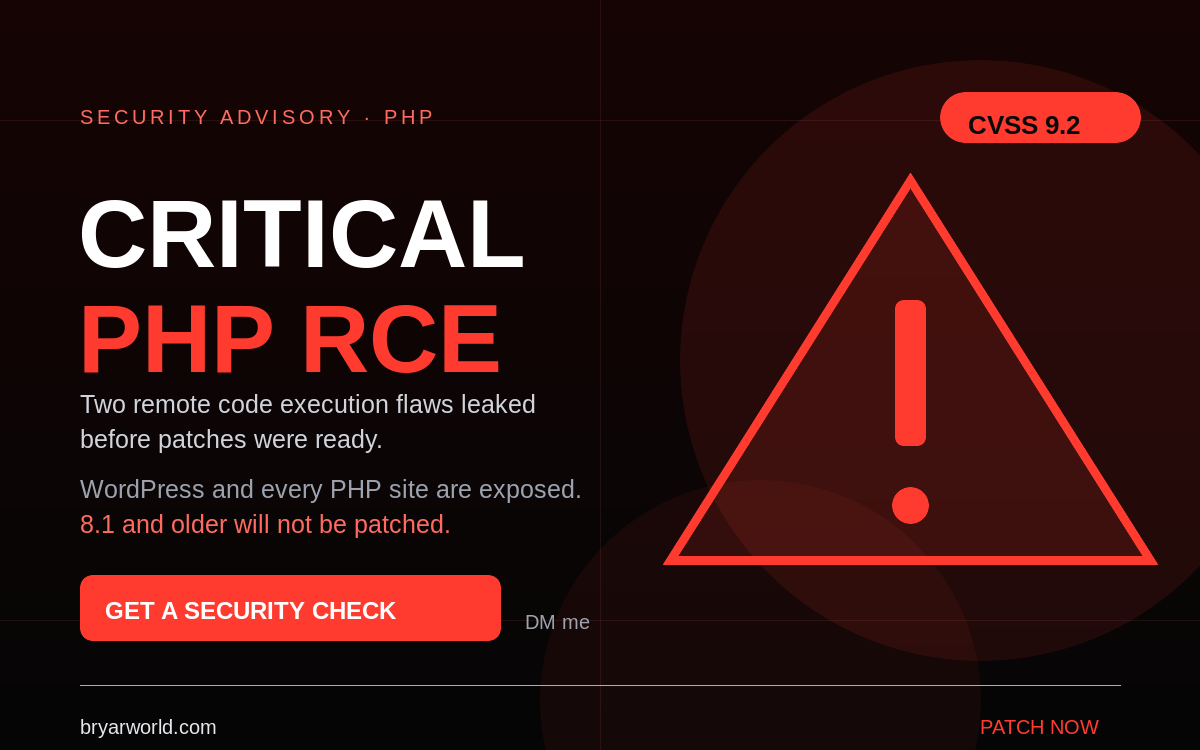
Two critical PHP remote code execution flaws are being patched now. Only supported branches (8.2 and newer) get fixes; PHP 8.1 and older will not be patched. Check your PHP version and whether your host has installed the update today.
If you run WordPress — or anything else on PHP — this is the week to check your stack. Two critical remote code execution vulnerabilities leaked before patches were ready, and the fixes are landing now. The short version: an attacker could potentially take over a server by sending the right request, and the oldest versions will not receive a fix at all.
What you need: your PHP version, your host’s patch status, and a backup you can actually restore.
What happened
Two critical vulnerabilities in PHP were disclosed ahead of a coordinated patch. Both are reported as CVSS v4.0 9.2. The PHP team is releasing fixes for currently supported branches — 8.2 and newer. PHP 8.1 and older are end-of-life and will not be patched, which makes every site still running them an obvious target.
Even after the fixes are released, the patch has to be installed. If you manage your own server, that is on you. If you use shared hosting, it is on your host. Good hosts move within hours; others can take days or weeks.
Who is affected
Nearly every PHP application is in scope, including WordPress, Laravel, Magento, custom PHP apps and anything else served by PHP-FPM or mod_php. You are exposed if you run an unpatched version, and you are especially exposed if you run 8.1 or older.
What to do now
- Check your PHP version. In WordPress, go to Tools → Site Health → Info, or run
php -von the server. If you are on 8.1 or older, plan the upgrade today. - Ask your host. Confirm whether the PHP package has been updated and whether PHP-FPM was restarted. A patch that is installed but not loaded does not protect you.
- Update or remove stale plugins and themes. Every inactive plugin is code you are still exposing. Delete what you do not use.
- Scan for backdoors and unknown admin users. Check for modified core files, unexpected scheduled tasks, unknown administrator accounts, and outbound connections you did not configure.
- Verify backups. A backup you cannot restore is not a backup. Restore one to a staging copy and confirm it works.
The UpdraftPlus backdoors
This week I also helped WordPress users clean backdoors installed through UpdraftPlus, one of the most popular backup plugins on the official repository with more than 4 million installs. The plugin itself was not the bug: the vendor’s systems were breached, and attackers used stolen keys to install malware on sites whose owners had done everything right. That is the part that should worry you — good hygiene did not help, because the supply chain was compromised.
If you use UpdraftPlus, check for unexpected files, unknown scheduled tasks and unfamiliar admin users, and rotate any credentials that were stored in the plugin.
If you need help
I have some capacity this week for WordPress and PHP security work:
- A one-off security check-up: PHP version and host patch status, stale plugins, backdoor scan, and restore-ready backups.
- Ongoing maintenance and patching.
- Migration off legacy CMS platforms to a modern stack: EmDash (Cloudflare’s security-focused take on WordPress), Payload, or a static site if you do not update content often.
If you want me to handle it, the fastest route is the contact page: bryarworld.com/contact-me.
Reasonable hourly rates, with discounts for non-profits, NGOs and activists. DM me and tell me what you are running.
Common pitfalls
- Assuming your host patched PHP because the package was updated — PHP-FPM may still be running the old binary.
- Keeping inactive plugins installed. Deactivated code is still on disk and still reachable.
- Trusting a backup you have never restored.
- Cleaning a backdoor without rotating keys and passwords the attacker may have copied.
Pro tip
Check the loaded PHP version, not the available one. Run php -v from the same pool your site uses, or check Site Health → Info → Server. Then confirm the host restarted PHP-FPM.

0 Comments